Calorie Tracker vs Meal Planner: Which Tool Helps You Lose Weight Faster?

When you decide to lose weight, the number of apps promising results can feel overwhelming. Two of the most popular categories are calorie trackers and meal planners. Each takes a different approach, and the right choice depends on your habits, lifestyle and how much effort you want to put in each day.
Calorie trackers tell you what you ate. Meal planners decide what you’ll eat. Mealiv does both — AI meal planning, nutrition tracking and shopping lists in one app.
This guide compares the two using two well-known examples — MyFitnessPal for tracking and Eat This Much for planning — and shows how Mealiv combines both into one experience. If you’re weighing up MyFitnessPal specifically, see our MyFitnessPal vs Mealiv comparison and MyFitnessPal alternative guide.
What Is a Calorie Tracker?
A calorie tracker helps you log everything you eat and drink so you can see your daily energy intake. The main advantage is the ability to monitor exactly what goes into your mouth, giving you a clear picture of your eating habits.
MyFitnessPal is one of the best-known calorie trackers. It offers a database of over 20 million foods, including restaurant meals. You can log food manually, scan barcodes, or use voice entry with a Premium subscription. It also syncs with more than 40 apps and devices, including Apple Health, Fitbit and Garmin, so exercise and activity data is tracked automatically.
Most calorie trackers follow a “log as you go” approach: you record each meal, snack and drink throughout the day, and the app calculates your total calories plus protein, carbohydrate and fat. Mealiv offers the same flexibility through its AI calorie tracker and nutrition tracker — you can log meals by typing, speaking or taking a photo, and review everything in the food log.
What Is a Meal Planner?
A meal planner takes a different approach. Instead of logging food after you’ve eaten it, it creates a day’s or week’s meals based on your calorie target, dietary preferences and lifestyle.
Eat This Much is a popular example. After entering your goals, it automatically builds meal plans with recipes and portion sizes. A free account creates a single day’s plan, while Premium unlocks weekly plans, grocery lists and a virtual pantry. The biggest advantage of meal planning is that it removes much of the daily decision-making — rather than wondering what to cook each evening, your meals are already planned, which reduces decision fatigue and makes it easier to stick to your calorie target.
Traditional meal planners generally create recipes from a fixed database. Mealiv’s AI meal planner goes a step further: its AI meal plan generator automatically fills your week with personalised meals, creating AI recipes where appropriate and incorporating recipes from your own cookbook. Instead of simply suggesting recipes, Mealiv removes the mental effort of planning by deciding what to cook based on your goals, favourite meals and dietary preferences. See how to meal plan for weight loss for a step-by-step walkthrough.
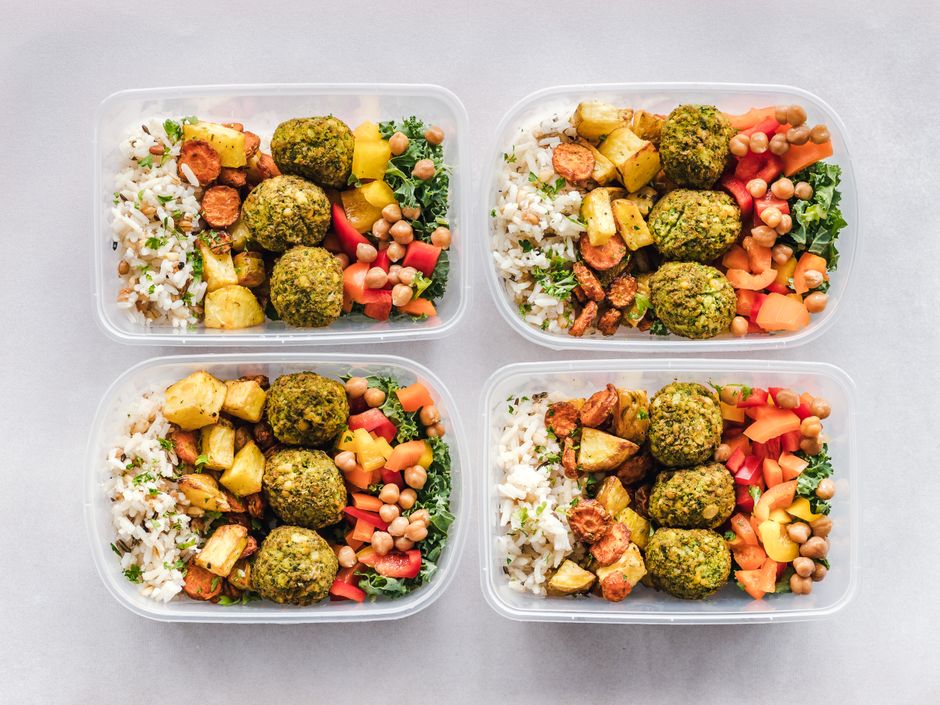
Calorie Tracker vs Meal Planner vs Mealiv
The table below summarises the main differences. Many people choose to use both approaches together — which is where Mealiv stands apart, covering tracking and planning in one place.
| Aspect | Calorie Tracker (e.g. MyFitnessPal) |
Meal Planner (e.g. Eat This Much) |
Mealiv |
|---|---|---|---|
| Primary function | Log calories and macros from foods you eat | Generate meal plans based on your goals | Both — plan your week and track intake |
| User effort | Log meals throughout the day | Initial setup, then follow the plan | AI plans the week; quick log for anything off-plan |
| Food source | Database of 20M+ foods | Generates meals with ingredient swaps | AI recipes + your own cookbook + food database |
| Shopping list | Not included | Premium only | Auto-built from your plan, with estimated cost |
| Nutrition / diet scoring | Macro totals | Plan-level targets | Scores how well your plan matches your goals |
| Integrations | Apple Health, Fitbit, Garmin & more | Limited | Strava & Fitbit on the Power tier |

Which Helps You Lose Weight Faster?
Successful weight loss depends on maintaining a calorie deficit over time. Both approaches can help, but they suit different people.
A calorie tracker offers flexibility — you can eat almost anything as long as you log it accurately, which works well if you eat out or enjoy variety. Logging also raises awareness of your habits, which naturally encourages healthier choices. Use Mealiv’s calorie calculator and calorie deficit calculator to set a sensible target first. Research from the National Institute of Diabetes and Digestive and Kidney Diseases (NIDDK) supports personalised calorie and activity plans — their Body Weight Planner is one example.
A meal planner tackles the problem from a different angle: instead of relying on willpower every day, it removes many of the food decisions altogether. If your meals are already planned, you’re less likely to make impulsive choices or order a takeaway because you can’t decide what to cook. The best approach is the one you can follow consistently.
Can You Use Both Together?
Yes — many people combine meal planning with calorie tracking. You might use a planner to generate your weekly meals and a tracker to log snacks or meals eaten outside your plan. Some platforms have started combining the two: MyFitnessPal Premium adds meal planning, while Fitia pairs AI calorie counting with personalised plans.
Mealiv combines both approaches with a greater focus on reducing the mental effort of healthy eating. Rather than just generating recipes, Mealiv automatically plans your week using AI, creates personalised recipes, incorporates meals from your own cookbook, analyses how closely your plan matches your nutrition goals, and builds a shopping list ready for your weekly shop — see the meal planning app with grocery list. You can also log meals, snacks and drinks throughout the day by typing, speaking or taking a photo, giving you the flexibility of a calorie tracker alongside automated planning.
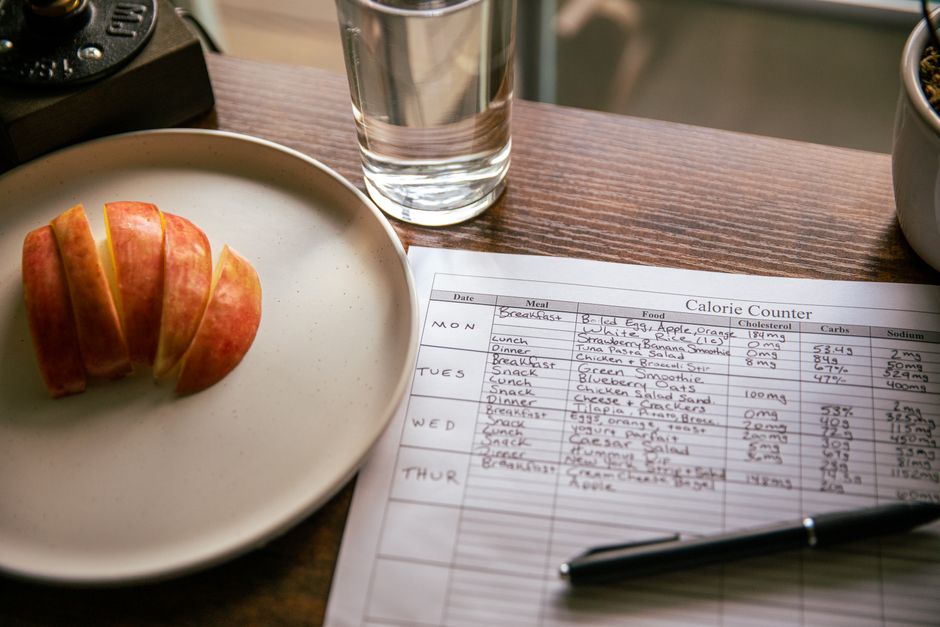
Why Mealiv Covers Both
Most healthy-eating apps focus on one part of the journey. Calorie trackers help you understand what you’ve already eaten; meal planners help you decide what to cook. Mealiv combines both into a single workflow, so you can:
- Generate an entire week’s meals using AI in seconds.
- Create AI recipes alongside recipes from your own cookbook.
- Build shopping lists automatically from your meal plan.
- View estimated weekly shopping costs before you shop — handy if you’re using a budget meal planner.
- Analyse how well your plan matches your calorie, macro and dietary goals.
- Log meals, snacks and drinks by typing, speaking or taking a photo.
- Go from meal planning to completing your weekly shop in one place.
Less time deciding what to eat, more time enjoying your food.
Frequently Asked Questions
What is the difference between a calorie tracker and a meal planner?
A calorie tracker lets you record what you eat so you can monitor your daily calorie and nutrient intake. A meal planner creates meals for a day or week based on your goals and preferences, reducing the need to decide what to eat. Calorie trackers require regular logging, while meal planners do most of the work upfront. Mealiv combines both in one app.
Which is better for weight loss: a calorie tracker or a meal planner?
Neither is universally better. A calorie tracker offers flexibility and detailed monitoring, while a meal planner reduces decision fatigue and makes it easier to stick to a healthy routine. Many people achieve the best results by combining both approaches — which is exactly what Mealiv is built to do.
Can I use MyFitnessPal as a meal planner?
MyFitnessPal is primarily a calorie tracking app with a database of more than 20 million foods. Premium subscriptions include meal planning features, but they are secondary to its tracking tools. If you want automatic weekly meal plans with recipes, shopping lists, nutrition analysis and AI-powered planning, a dedicated platform such as Mealiv may be a better fit.